
Controls & Roaming
- Movement Left-click drag (1.0.3)
- Interact Hold left click to remove a shelved book
- Edge Pan Toggleable in settings
- Open controls guide →
Launch the official HTML5 Demo on the developer’s itch.io page in a separate window or tab. Use this page for the sorting checklist, current controls and save reminders. The checklist does not read or verify your game state.
The September 13 update allows left-click dragging to move the view. Holding the left mouse button removes books from a shelf and returns them to the stack. Middle-button dragging was disabled. Touchscreen support was added, but the developer still recommends PC because mobile-browser input is not smooth.
Read the official 1.0.3 control update . Earlier 1.0.2 spell and shelf notes below are historical changes, not the current version label.
The official description places the books in a historical 1000 BC to 1100 BC range. The 1.0.2 tutorial clarification is more useful than unsupported claims about spine colors, runes, or exact visual decoding.
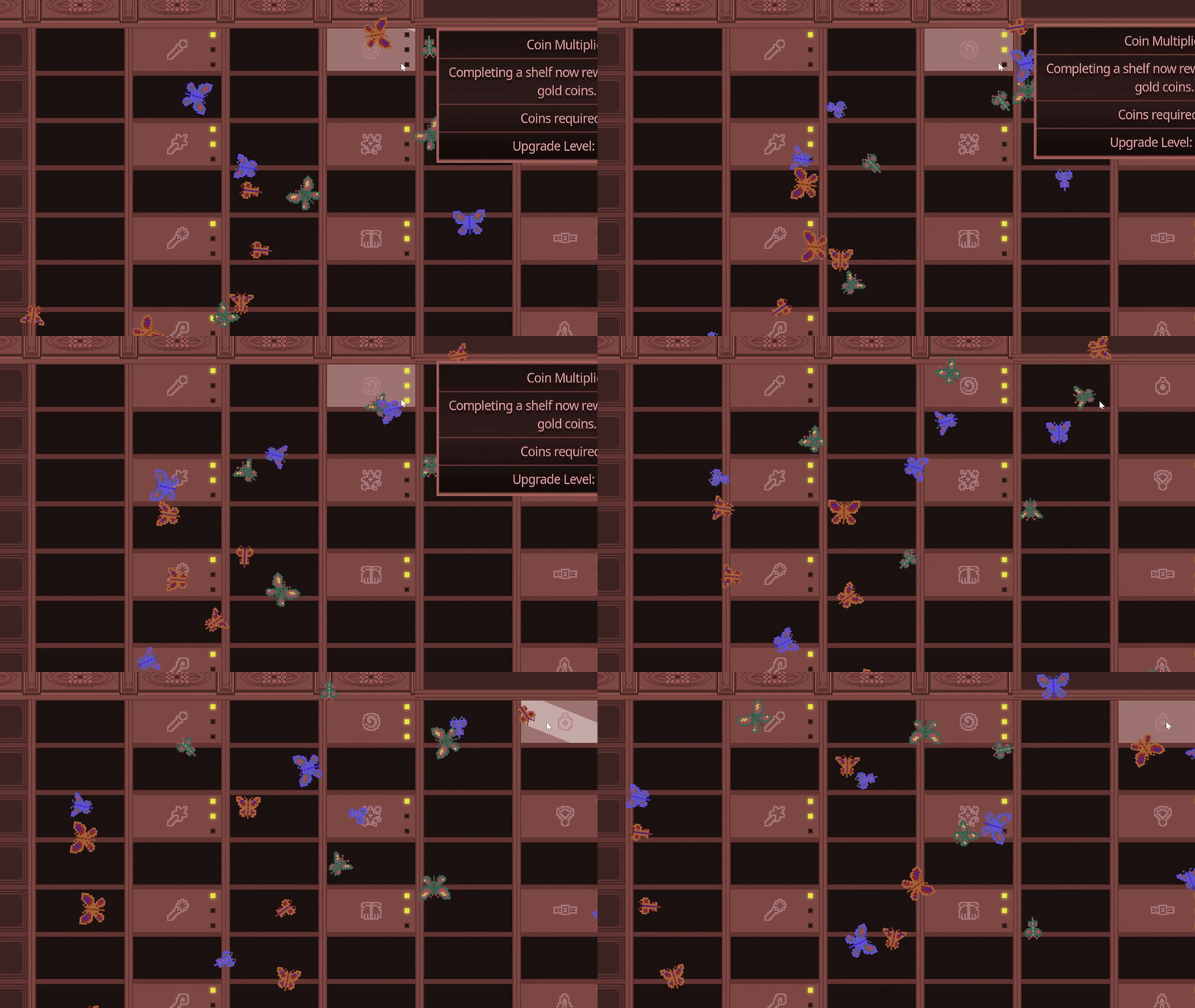
Use the shelf and book information visible in the current build. Do not rely on an old screenshot if the Demo has changed.
The 1.0.2 update says the tutorial now explains that a shelf contains 10 identical books.
Before declaring a shelf complete, verify the visible stack and any remaining floor pile.
If a book seems missing, exit and re-enter before assuming the save is broken.
Find the shelf rule, recover a missing book, use the new mouse controls or compare spell effects.
Understand the 10-book shelf clarification and build a safe sorting routine without invented visual rules.
Follow the official re-entry workaround and save reminders. Use the normal save flow before closing the game.
Review the documented keyboard movement and screen-edge pan update including the 1.0.3 left-click changes.
Choose browser or Windows play, find the official Steam Demo, and separate available content from full-game plans.
Plan an upgrade-assisted or manual run using the developer’s estimates, and understand the conditional 299-coin completion check.
Compare coin multipliers, bots, triggers and sorting coverage, and check whether a blocked shelf needs clearing before a purchase.
Inblue Games announced a Demo book-stacking contest on October 18. Make a shape, picture or pattern using the stacks, then take a screenshot. The announcement asks entrants to email the screenshot with their name and the image title to dongchascript@gmail.com before October 31, 2026. It gives no exact cutoff hour or time zone, so submit early and check the original rules before sending.
The developer plans to announce the winner on November 1 and feature the winning screenshot on the Steam page for one week, with selected honorable mentions in the news hub. This is a creative activity, not a fastest-completion contest. Steam: official book stacking rules .
Before rearranging a run you want to keep, review the normal save guidance. Looking for the goal after completing the archive? See what to do after a finished Demo run.