
2,990 books
The official description frames the game around sorting 2,990 archaic books and completing shelves to earn coins.
A completed shelf needs 10 identical books. If a robot stops at a full shelf containing a wrong book, hold left click to return the misplaced book to the stack. This guide combines the shelf rules documented in 1.0.1–1.0.2 with the removal control introduced in Demo 1.0.3.
Confused by the letter before a book title? Check its shelf label.
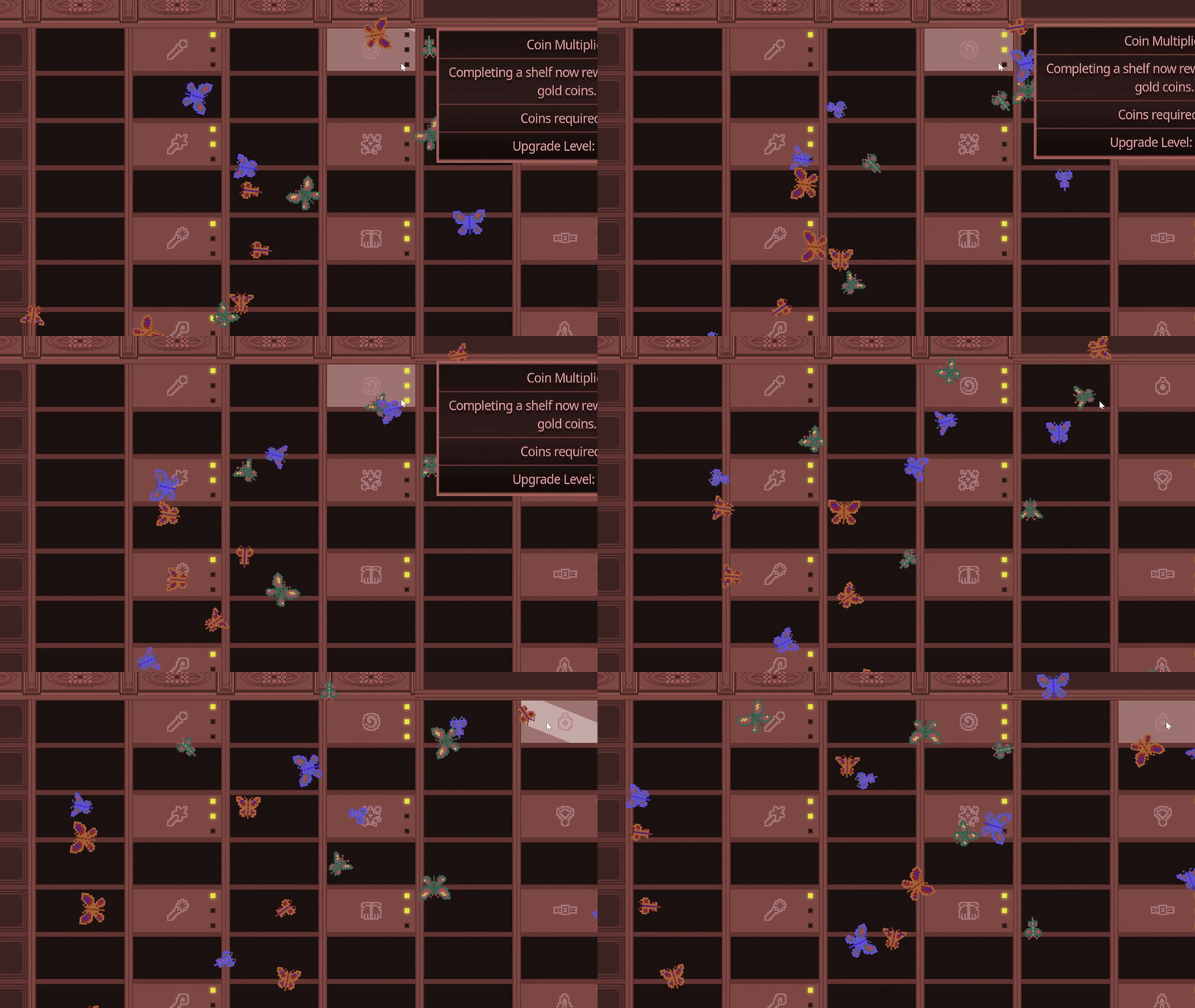
The developer’s 1.0.1 notes describe a robot waiting when a shelf has no room because it contains a wrong book. In 1.0.3, hold left click to return the misplaced book to the stack, then check whether the shelf has space again. To put a book on an empty stack, click its metal plate rather than the empty background.
Official robot and empty-stack explanation and 1.0.3 book-removal control . These steps address the documented blocked-shelf condition.
The official itch.io description and the 1.0.2 shelf and spell notes document these rules.
The official description frames the game around sorting 2,990 archaic books and completing shelves to earn coins.
The 1.0.2 notes say the tutorial now explains that you need 10 identical books to complete a shelf. Use this as the current shelf-count reference.
The official 1.0.2 notes say the Sorting spell was extended to 10 columns, previously 8.
The left/right Shelf Trigger Spell now works properly for all robots according to the 1.0.2 update.
Read the letter shown with the book and its category together. Do not choose a shelf by alphabetizing the title yourself.
In an October 4–7 itch.io exchange, players explain that the prefixed letter identifies the row; it does not have to match the title’s initial. That makes the displayed label useful for finding a location, but a shared letter alone does not make two books identical.
Use the letter provided by the game when checking the shelf labels. If the title begins with a different letter, keep following the displayed label rather than substituting that initial.
Compare the book information with the target shelf. Similar titles can belong to different categories: see the Clay Tablets pottery/language example below. A title or letter on its own is not a complete placement check.
For a completed shelf and its coin reward, collect ten copies of the same book. Ten books that merely share a letter are not that set. Keep the current target book’s information in view when checking another copy.
The players’ letter-label discussion describes the Demo’s labels. It does not announce an option to alphabetize titles or rearrange the archive’s categories. The ten-identical-book requirement comes from the developer’s 1.0.2 notes above.
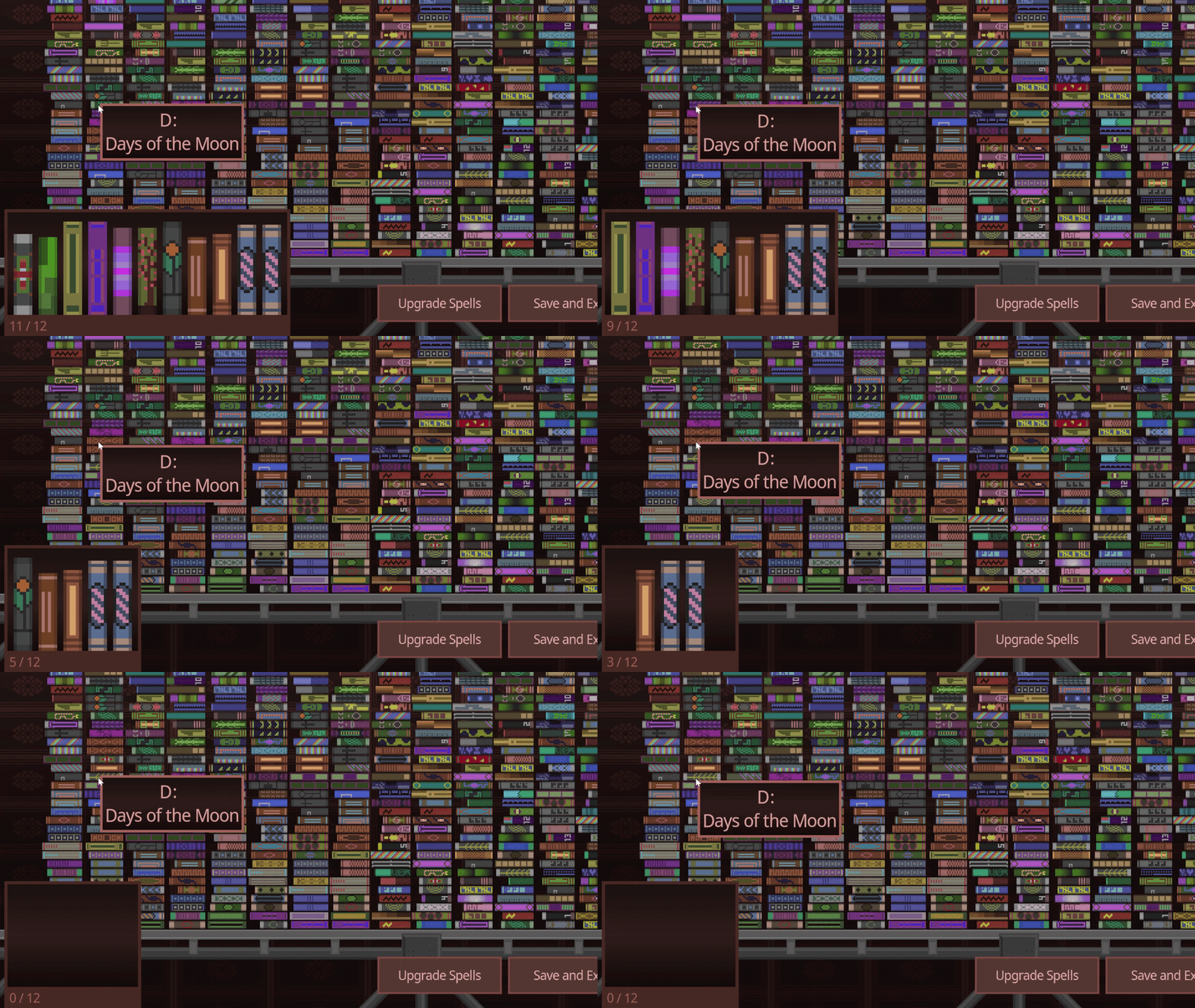
Match the displayed letter and category as explained in the label check above. If a screenshot or note is from an older Demo, treat it as historical.
Keep the 10-identical-book clarification in mind when counting what is still missing. Do not assume a partial stack is a different rule.
Look for the remaining visible pile or shelf gap before moving to another area.
If the final book appears missing, exit and re-enter the game before escalating the issue. See the save guide for the full checklist.
A matching title alone may not resolve a confusing placement. Check the category and the game’s placement feedback before treating a visible book as a missing-book bug.
In a September 16 follow-up, player gravebird corrected their own duplicate-book report: the other Clay Tablets book belonged to pottery rather than language, and they had completed the run. They also said they had overlooked the absence of a red flash. This is a resolved player case, not an announcement that every same-title issue has been fixed.
Read the information shown for the book and the target shelf. For the reported Clay Tablets mix-up, pottery versus language was the distinction to recheck; this does not mean every book with that title belongs in pottery.
Check the game’s feedback and whether the shelf still contains a misplaced book. If you need to remove one in Demo 1.0.3, hold left click to return it to the stack.
Note the title, displayed category, target shelf and Demo version, and capture the mismatch before resetting anything. If the book is absent rather than visibly unmatched, follow the missing-book recovery guide.
Read the player’s correction and the developer’s acknowledgment . The removal control is documented in the official 1.0.3 notes linked above.
Use the book and shelf information visible in your current build. This guide does not establish a universal cover-color or spine-pattern formula.
Official exit/re-entry and Save and Exit reminders.
Open save guide →Compare upgrade goals without fixed ROI claims.
Open upgrade guide →Review documented input changes for the Demo.
Open controls guide →Planning a manual sorting run? Check the official demo playtime estimates and no-upgrade completion note before setting aside a session.