
Auto-save
The official page says the game automatically saves approximately every minute. Treat that as a reminder, not as a guarantee that every click is persisted instantly.
If a book appears to be missing, the developer recommends exiting and re-entering the game. Auto-save runs about every minute; use Save and Exit to save the latest progress before leaving. Follow the checklist below without deleting browser data.
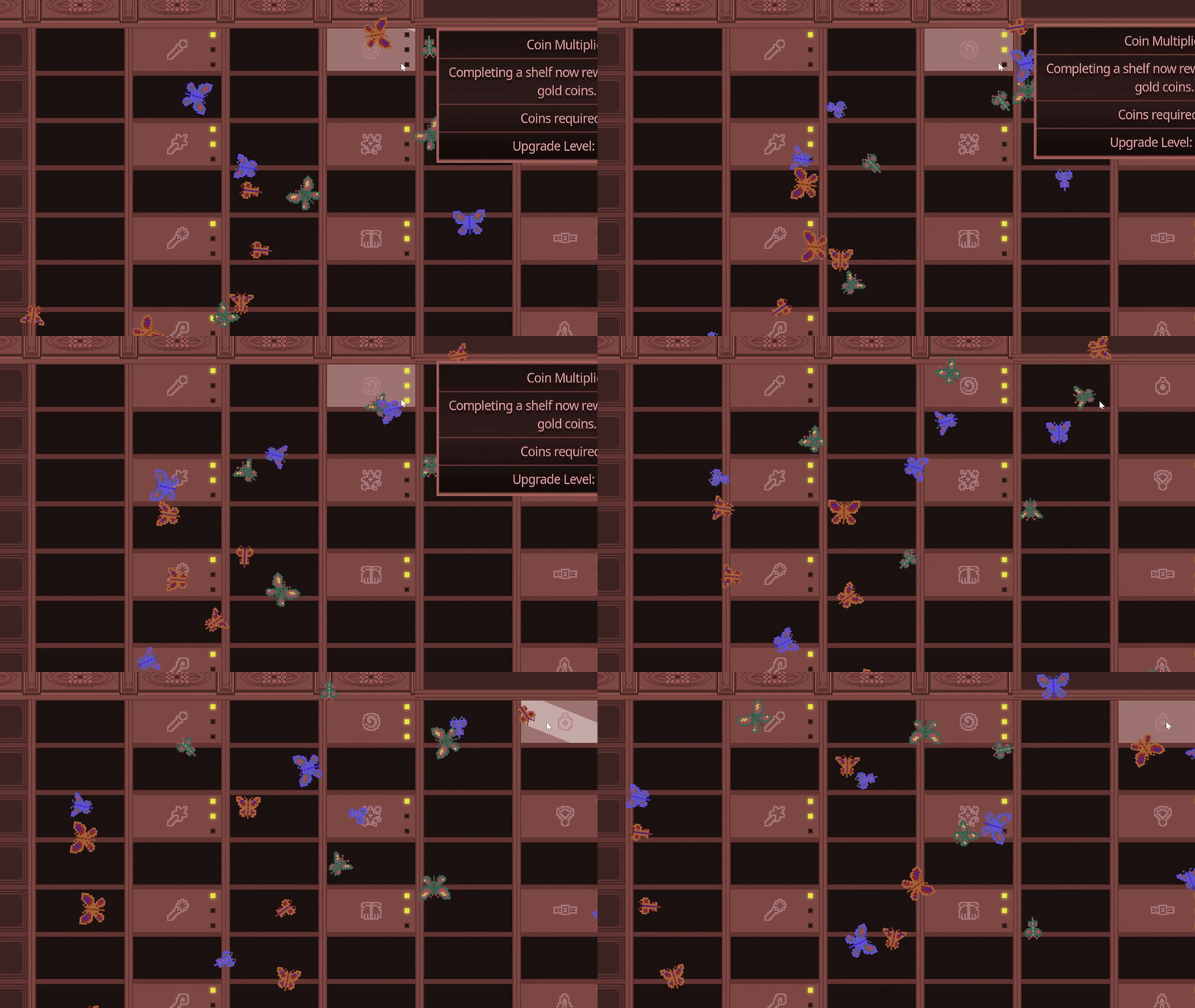
Follow the simplest recovery sequence before assuming the archive is permanently broken.
Check the target shelf and the visible floor area once more. Note what you expected to see. If the book is visible but seems to have no matching shelf, first check the same-title and category example; that is a different symptom from an absent book.
Use the game’s normal exit flow when available. Avoid treating a hard-closed tab as a save action.
The official itch.io page specifically recommends exiting and re-entering when a book is missing.
If the issue remains, record the Demo version and report it through the official channel rather than deleting local data.
The official page says the game automatically saves approximately every minute. Treat that as a reminder, not as a guarantee that every click is persisted instantly.
When you are finished, use Save and Exit to preserve the latest progress according to the official instructions.
This guide does not recommend clearing browser data or resetting a save. Those actions can make later diagnosis harder and are not an official recovery step.
Note the Demo version, browser/platform and affected shelf, then use the comments on the official game page, where the developer gives the missing-book and saving advice. Re-entry is not a guarantee of recovering every save problem; do not reset or delete local data as part of this checklist.
The historical 1.0.2 update notes mention fixes for an extra-book issue and the bottom-most book description. If your symptom matches a known update item, recheck the official page before using an old workaround.
Use the 10-book shelf clarification when checking a gap.
Open sorting guide →Check focus and current Demo input notes.
Open controls guide →Keep upgrade notes separate from save diagnosis.
Open upgrade guide →